


TikZ Tutorial: Draw Shapes, Arrows and Curved Paths in LaTeX
A practical TikZ tutorial for beginners: set up a standalone figure, then draw lines, rectangles, circles, arrows, nodes and Bézier curves with copy-paste code and the result next to it.
3 posts
A practical TikZ tutorial for beginners: set up a standalone figure, then draw lines, rectangles, circles, arrows, nodes and Bézier curves with copy-paste code and the result next to it.
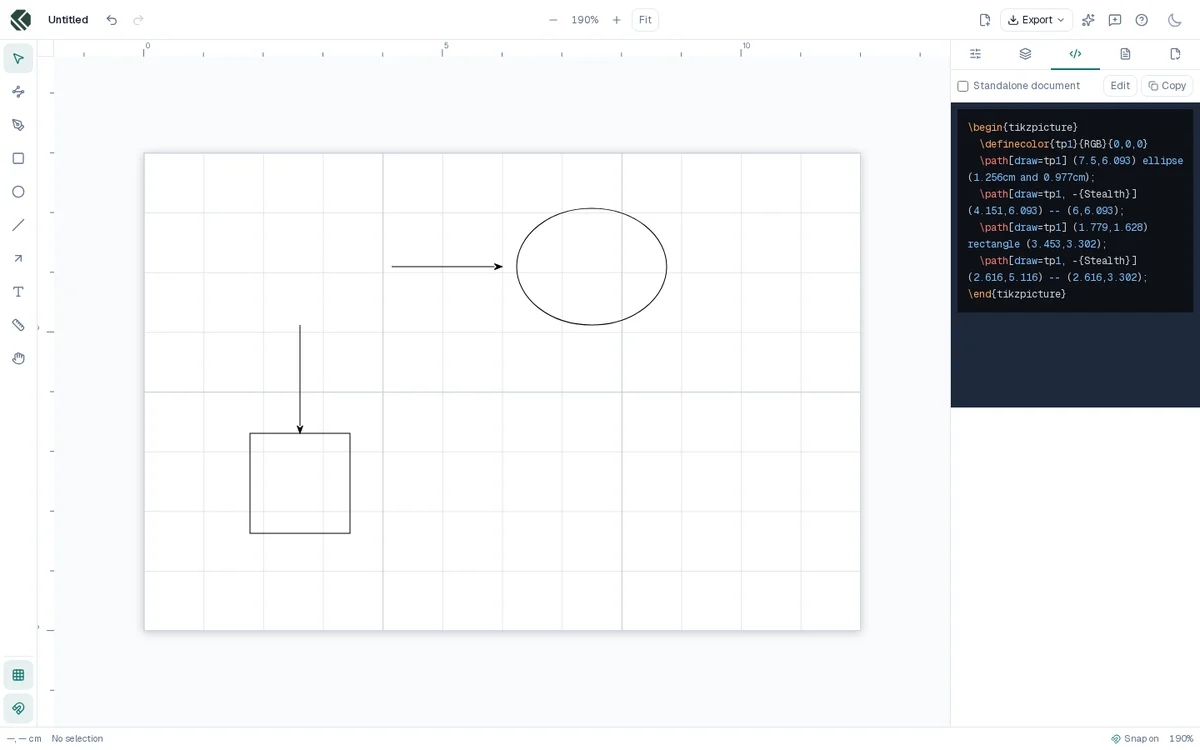
Why I rebuilt TikZpen from scratch: a data model shaped like TikZ, one renderer shared by the canvas and the export, and a compile-based check that proves the exported code matches the drawing.
Turn a TikZ figure into a cropped PDF, a PNG for slides or the web, or a clean SVG, using standalone, pdflatex, pdftocairo and dvisvgm.